Compress. Convert. Create.

A powerful macOS app for all your media processing needs. Images, PDFs, videos, and audio — 35 tools, zero cloud dependencies.

Download for Mac Requires macOS 14 or later Available in 🇺🇸 English, 🇨🇦 Français, 🇲🇽 Español & 🇯🇵 日本語
35 Powerful Tools

Everything you need for media processing, all in one app

Resize

Scale images to exact dimensions or percentage

Compress

Reduce file size while maintaining quality

Convert

Change formats: JPEG, PNG, HEIC, WebP, TIFF

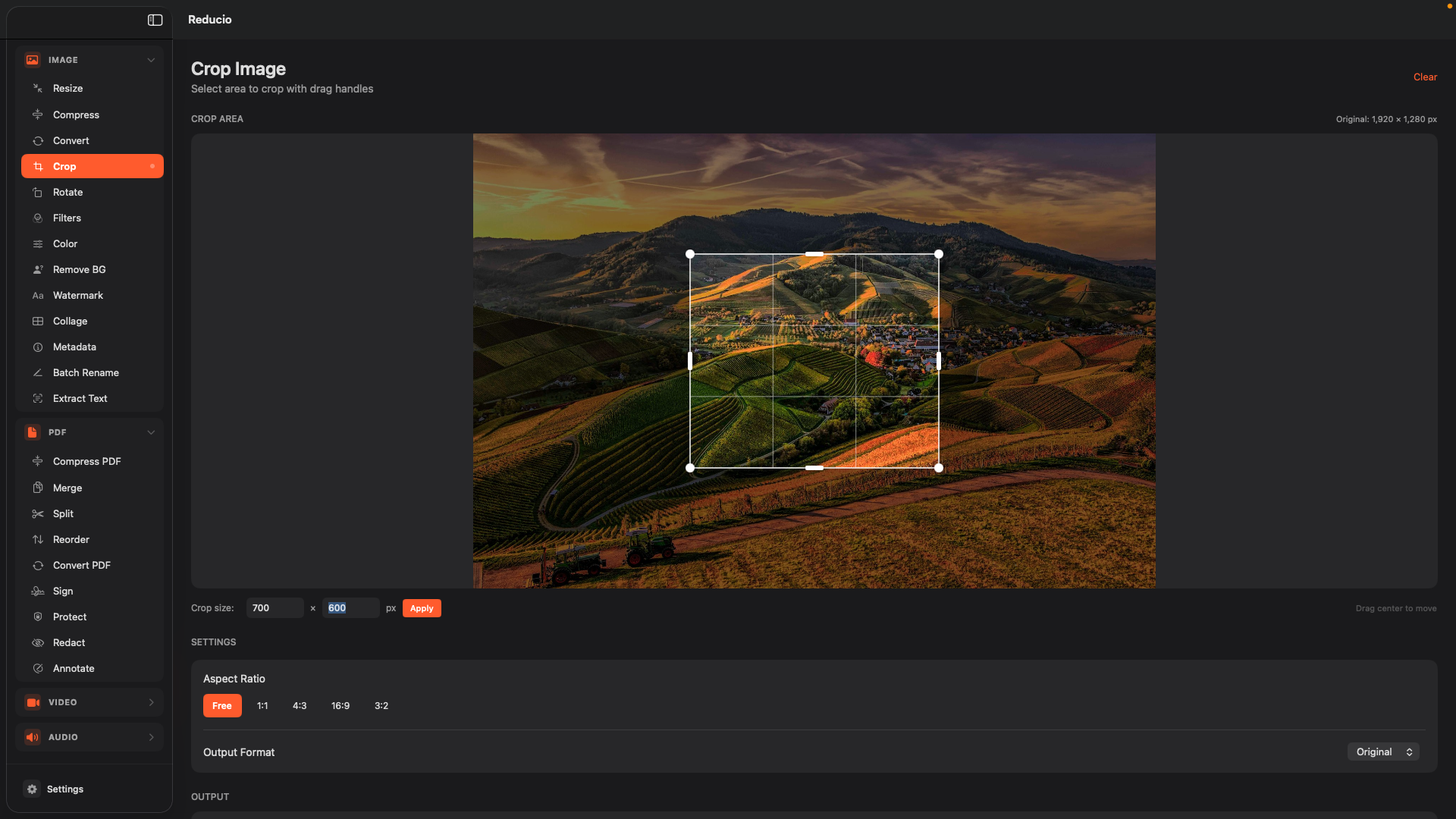
Crop

Trim images with custom or preset ratios

Rotate

Rotate and flip images any direction

Filters

Apply artistic filters and effects

Color Adjust

Fine-tune brightness, contrast, saturation

Remove Background

AI-powered background removal

Watermark

Add text or image watermarks

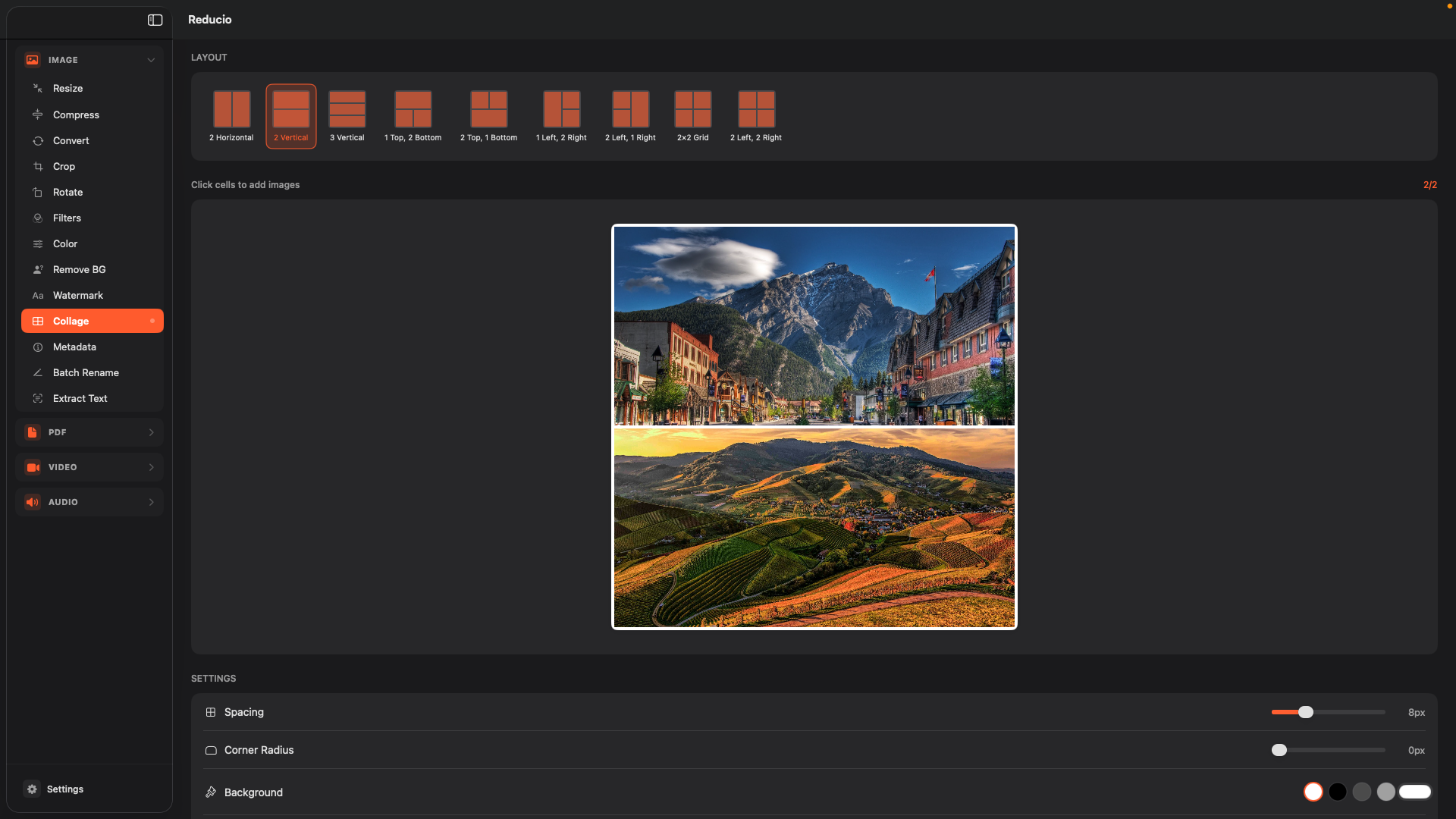
Collage

Combine images into layouts

Metadata

View and edit EXIF data

Batch Rename

Rename multiple files at once

Extract Text (OCR)

Extract text from images

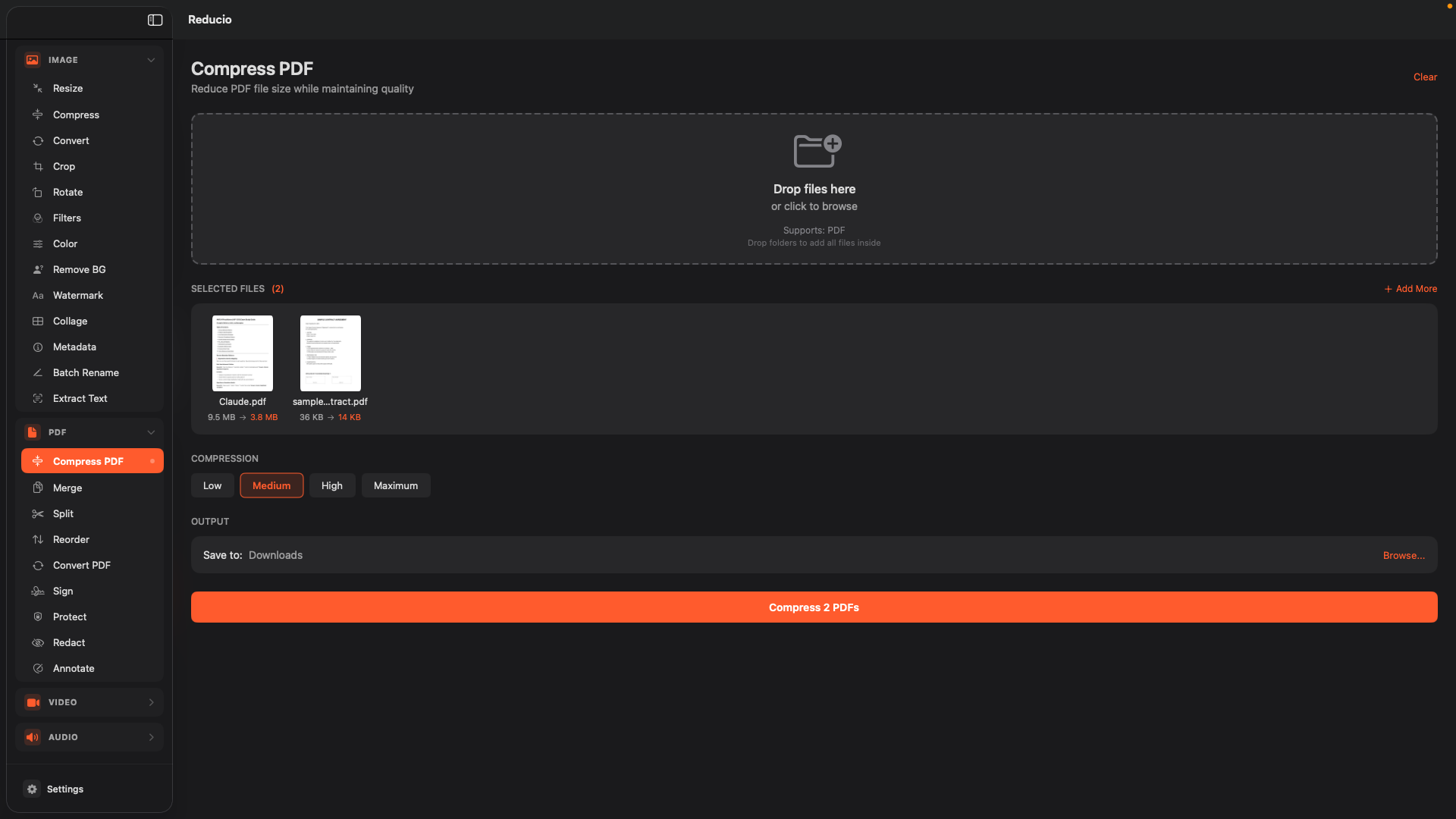
Compress

Reduce PDF file size

Merge

Combine multiple PDFs into one

Split

Extract pages or split by range

Reorder

Rearrange pages with drag and drop

Convert

PDF to images or images to PDF

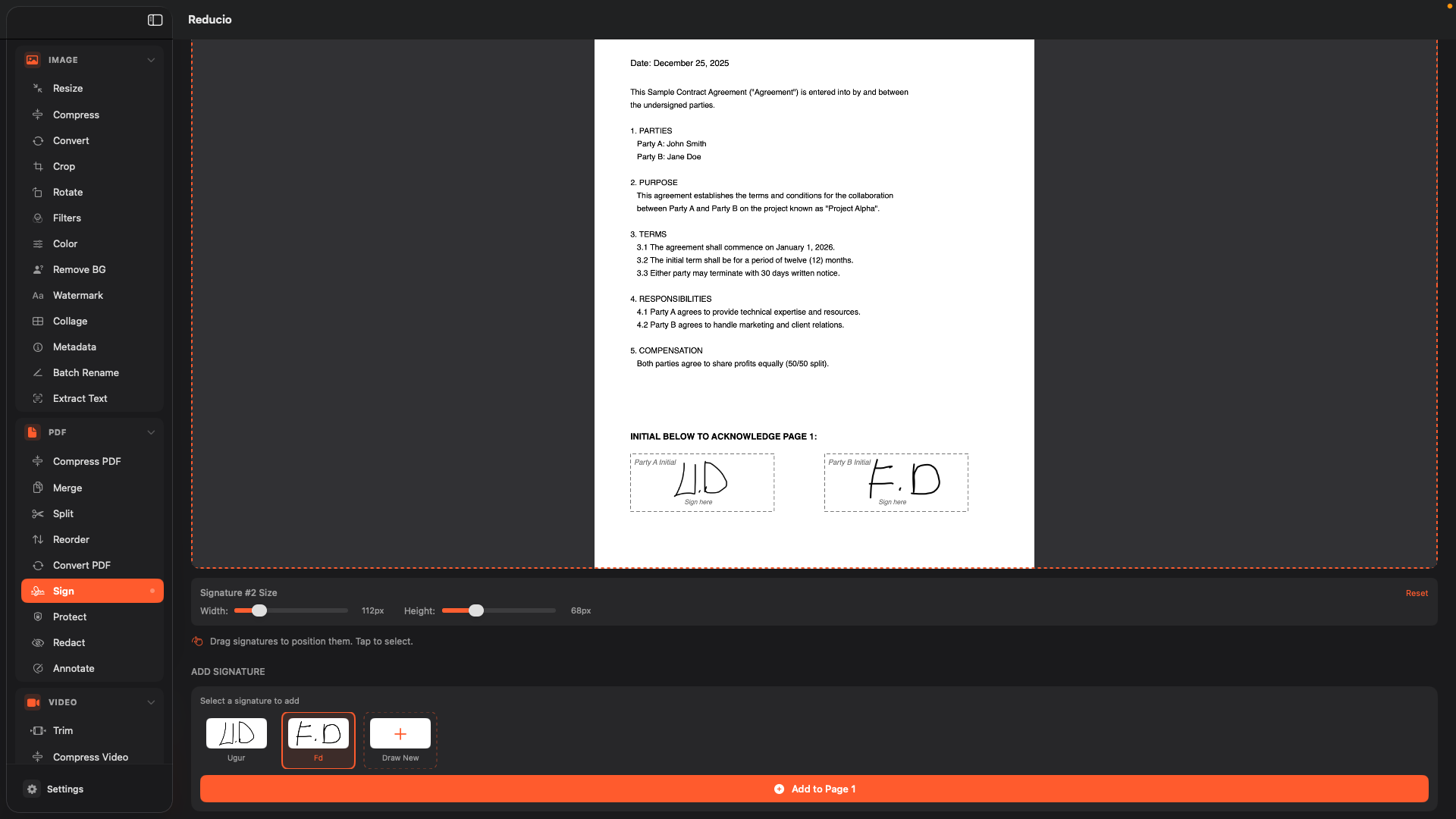
Sign

Add digital signatures

Protect

Password-protect your PDFs

Redact

Permanently remove sensitive content

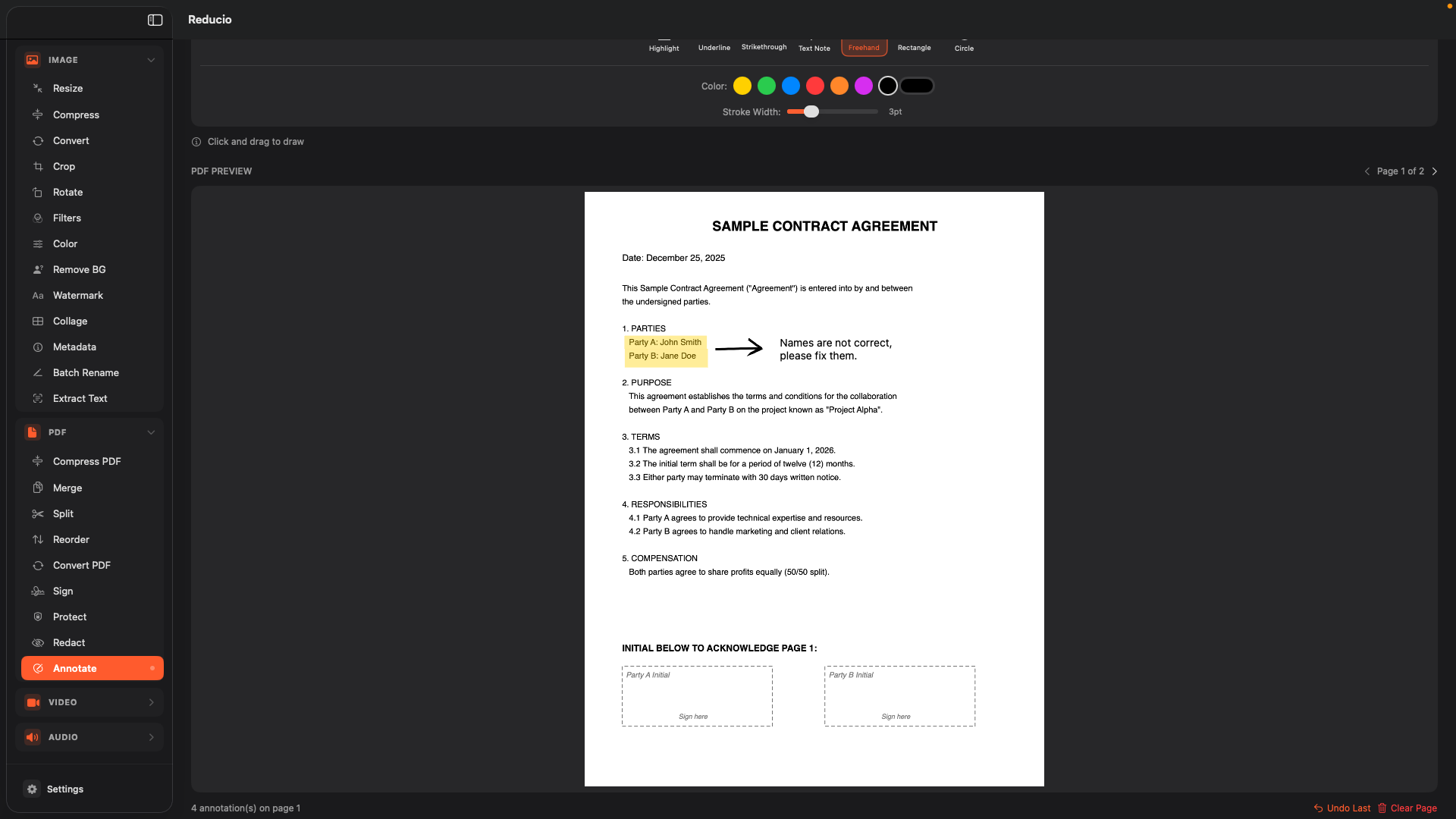
Annotate

Add highlights, notes, and shapes

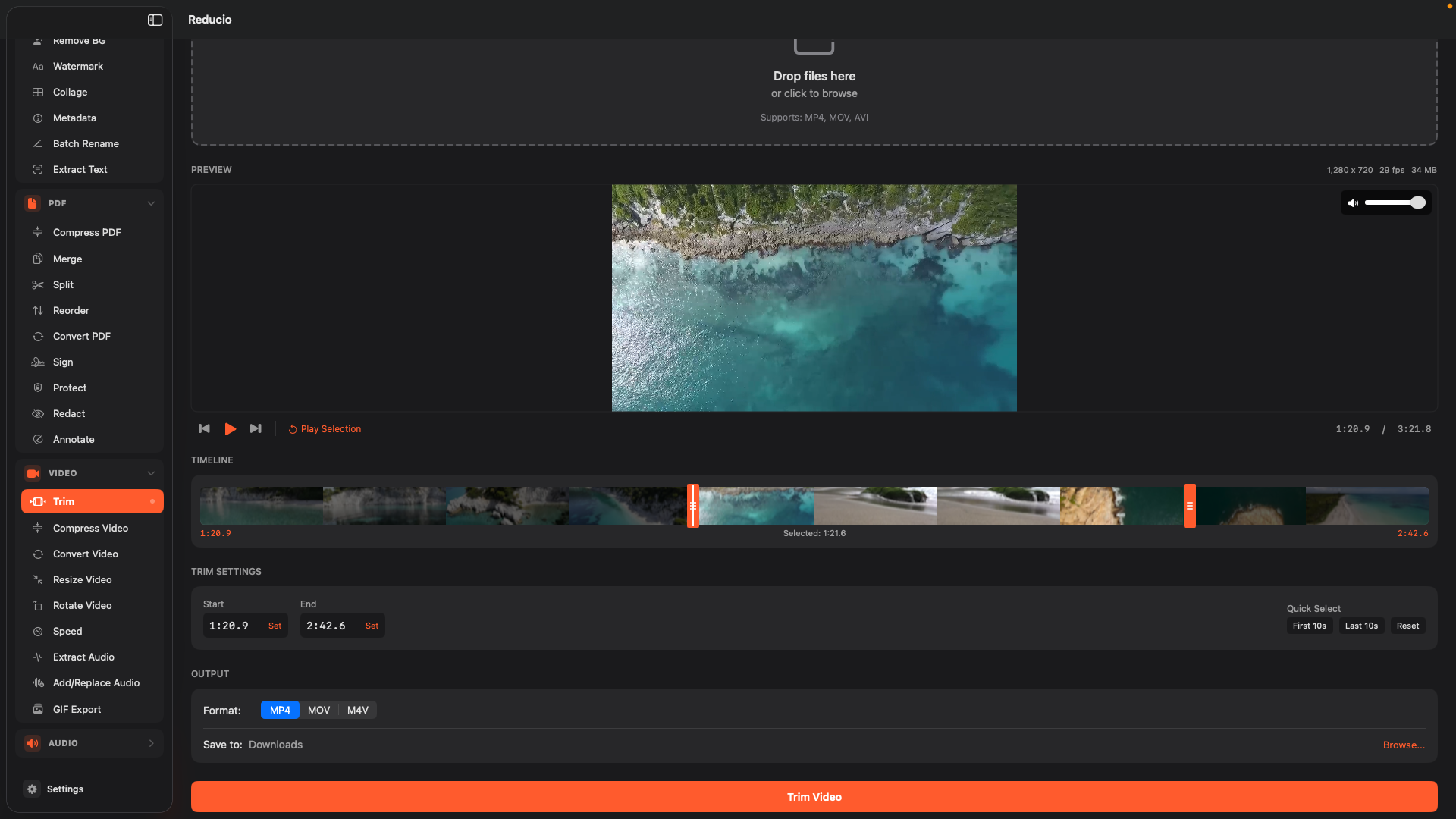
Trim

Cut videos to exact length

Compress

Reduce video file size

Convert

Change formats: MP4, MOV, AVI, WebM

Resize

Change video resolution

Rotate

Rotate and flip videos

Speed

Speed up or slow down videos

Extract Audio

Save audio track from video

Add/Replace Audio

Add background music or replace audio

GIF Export

Convert video clips to animated GIFs

Trim

Cut audio to exact length

Convert

Change formats: MP3, AAC, WAV, FLAC

Merge

Combine multiple audio files

Normalize

Balance audio levels

Why Reducio?

Built different. Built better.

100% Local Processing

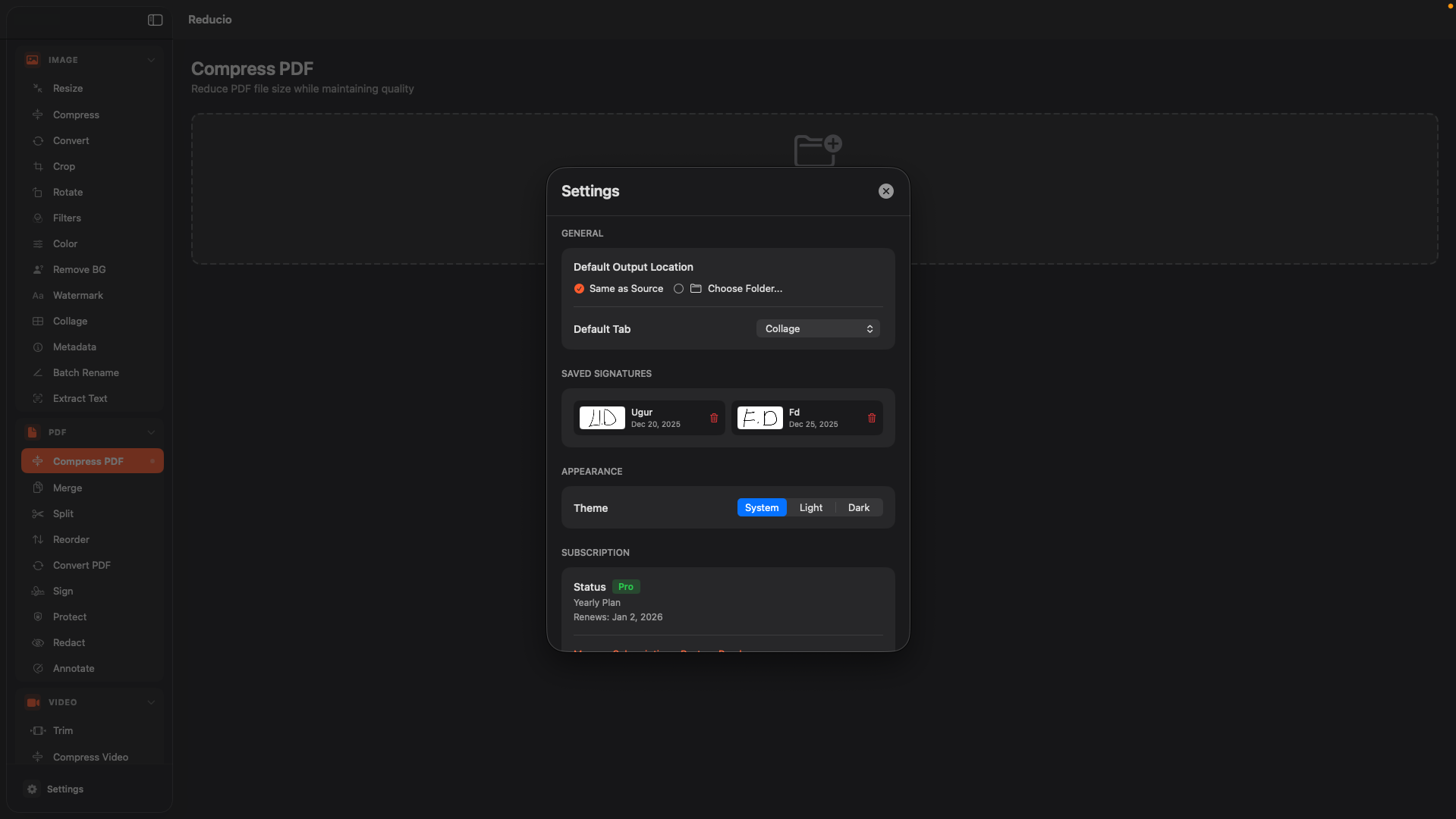
Your files never leave your Mac. All processing happens on-device, ensuring complete privacy and security.

Lightning Fast

Native macOS performance with optimized Apple frameworks. No waiting for cloud uploads or downloads.

Works Offline

No internet required. Process files anywhere, anytime — on a flight, in the mountains, or in your basement.

All-in-One

35 tools in a single app. No need to juggle multiple apps or browser tabs for different tasks.

Native macOS Design

Built with SwiftUI for a beautiful, familiar experience that feels right at home on your Mac.

One-Time Purchase Option

Pay once, own forever. No subscriptions if you don't want them — lifetime access available.

Simple, Honest Pricing

Start with a 7-day free trial. Cancel anytime.

Monthly

$ 1.99 /month

7 days free trial

  • All 35 tools
  • Unlimited processing
  • All future updates
  • Cancel anytime
Start Free Trial

Lifetime

$ 24.99 once

Pay once, own forever

  • All 35 tools
  • Unlimited processing
  • All future updates
  • No subscription
Get Lifetime Access

Frequently Asked Questions

Absolutely. Reducio processes all files locally on your Mac. Your files never leave your device and are never uploaded to any server. We don't collect, store, or have access to any of your files or data.

No! Reducio works completely offline. Once installed, you can process files without any internet connection. The only time an internet connection is needed is for downloading the app and verifying purchases.

Reducio requires macOS 14 (Sonoma) or later. It's optimized for both Intel and Apple Silicon Macs.

Images: JPEG, PNG, HEIC, WebP, TIFF, GIF, BMP
PDFs: All standard PDF files
Videos: MP4, MOV, AVI, WebM, MKV
Audio: MP3, AAC, WAV, FLAC, M4A

Yes! All subscription plans come with a 7-day free trial. You can explore all features without any commitment. Cancel anytime during the trial and you won't be charged.

You can manage or cancel your subscription anytime through the App Store. Go to Settings → Apple ID → Subscriptions, find Reducio, and cancel from there. You'll continue to have access until the end of your billing period.

Ready to streamline your workflow?

Download Reducio and start processing files in seconds.

Download on the Mac App Store

Requires macOS 14+

×